


 How We Migrate

Lost Email
MX records change before mailboxes are copied, and messages sent during the switch never arrive.
 Website & Email Migration
Moving a website is mostly planning. We copy your site, databases and mailboxes to the new server, test everything there first, and switch DNS at a quiet time, with your old hosting kept ready in case anything needs to go back.

Most migration problems are not caused by copying files. They come from the small details around the copy.
MX records change before mailboxes are copied, and messages sent during the switch never arrive.
High TTL values mean some visitors reach the old server for a day or more after the move.
Changed URLs or folder paths without redirects lead to 404 errors and lost search rankings.
Different PHP or MySQL versions cause errors that only show up on certain pages.
The site goes live on the new server before its certificate is ready, and browsers show warnings.
Cron jobs, form mailers, payment callbacks and subdomains get left behind on the old host.
Every move follows the same checklist, whether it is a five-page site or a store with years of orders.
We list domains, subdomains, databases, mailboxes, scheduled jobs, SSL and software versions on the old host.
Nothing left behindWe lower DNS TTL values in advance and agree a switch time when your traffic is lowest.
Quiet-hours switchFiles and databases are copied to the new server, with matching PHP and database versions set up first.
Like for likeYou and our team check the site on the new server through a temporary address before any DNS change.
You sign offDNS is switched, SSL is confirmed, and a final sync picks up any orders, enquiries or emails from the last few hours.
Go-liveWe watch the site and mail for the following days, then help you close the old account once everything is settled.
Follow-up
Email is where a careless move hurts most. We create each mailbox on the new server first, copy existing mail and folders across, and only then change the MX records.
For the hours while DNS updates around the world, we run a final copy so nothing that landed on the old server is left behind. We also set up SPF and DKIM for the new server so your mail keeps reaching inboxes.

If your page addresses stay the same, search engines barely notice a hosting move. If they change, because you are also redesigning, switching to HTTPS or moving platform, every old address needs a permanent redirect to its new home.
We map old URLs to new ones before the move, test the redirects on the new server, and check Search Console afterwards for crawl errors.
Before go-live we agree what counts as a problem and how we reverse the move. It is rarely needed, but it is always ready.
| Stage | What Stays Ready |
|---|---|
| Before the switch | Your old hosting runs untouched; the new server is tested on a temporary address |
| During the switch | Old DNS values are recorded, so they can be restored in minutes |
| First days after | The old account stays active and unchanged until you confirm all is well |
| After sign-off | A full backup of the old site and mail is kept before the old account is closed |
Live websites and systems our team built, which you can open and check yourself, and what our clients say about working with us.

Export Engineering Website
Visit live site: vishalprecision.com Read the case study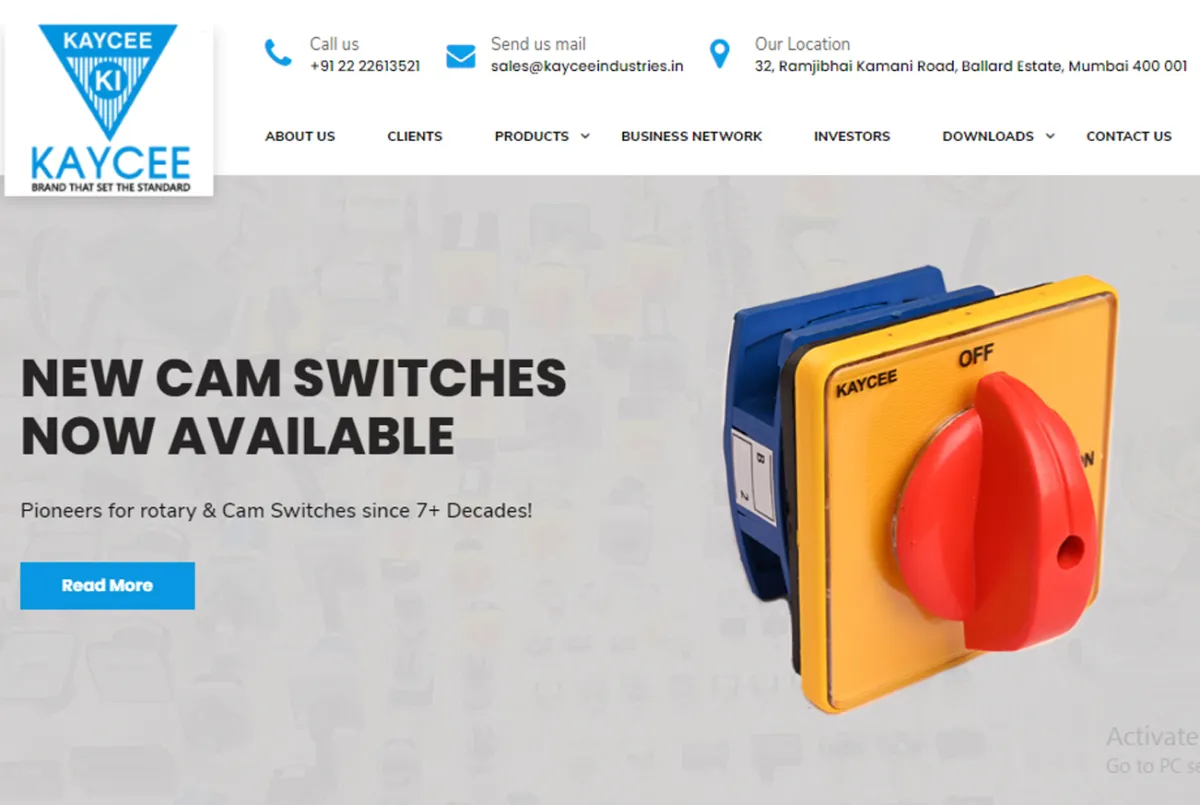
B2B Industrial Website
Visit live site: kayceeindustries.com Read the case study
Dynamic Corporate Website
Visit live site: bhipl.in Read the case study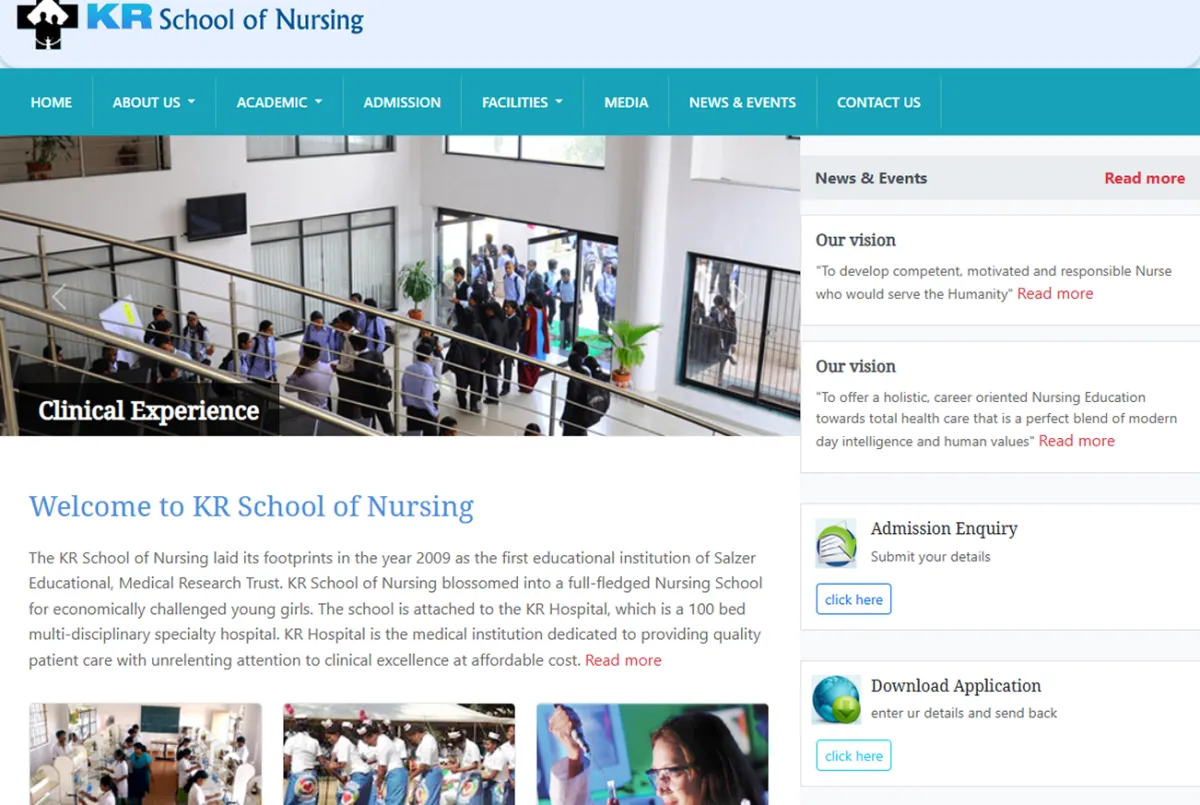
“The patient-focused website they designed has transformed how patients find us and book appointments. Online bookings have increased 5x. The team understood exactly what a healthcare website needs.”
“The website Samantha Technologies built for us is outstanding. Professional design, fast loading, and it ranks well on Google for our products. Our enquiries have tripled since launch. Excellent team and great communication throughout.”
“A professional, secure institutional website was essential for us. Samantha Technologies delivered exactly that — credible design, dynamic content management, and strong performance.”
59 live client websites in our portfolio, including clients in Germany, Bahrain, UAE, Kuwait, UK.
Tell us where your website and email are today and where they need to go. We audit the setup and send a migration plan and quote.


