


 Read the Guide

Our product
 Journal Publishing Guide
What an online journal management system should do, the main types available, open source and otherwise, and how to choose the best fit for your journal, university or publishing house.

A journal management system is the software that runs a scholarly journal. It receives manuscripts, manages peer review, moves accepted papers through copyediting and production, publishes articles and issues, and supplies the metadata that DOIs and indexes depend on. You will also see it called an online journal management system, a manuscript management system or an editorial management system.
This guide covers the whole decision: what the system should do, the main types available and how to choose. Our article on OJS or a custom journal platform compares those two options in more depth. If you are looking for a team to run your editorial process rather than for software, see our journal management services.
In this guide:
Whatever the product, the core is the editorial workflow. A complete system covers each stage:
Open-source software you host. Open Journal Systems (OJS), developed by the Public Knowledge Project (PKP), is the most widely used. There is no licence to buy, the workflow is mature, and editors and reviewers around the world already know it. You or a hosting partner run the server, upgrades and backups.
Hosted platforms. Commercial editorial and publishing platforms are run by service providers on their own servers, usually on a subscription. You avoid server work, but customisation, data export and long-term terms depend on the provider, so read the contract carefully.
Custom-built systems. Software built for one publisher’s workflow, design and integrations. It fits unusual needs best, but takes longer to build, and every standard, from DOI deposits to Google Scholar metadata, has to be built and maintained.
Managed open source. A middle route: OJS installed, configured, themed, hosted and supported by a provider, so you get open-source software without running it yourself. See our managed OJS hosting.
Open source means the code is public and free to use, change and host where you like. It does not mean free to run: hosting, configuration, design, upgrades and support still take time or money. In exchange, you are never locked in, because you can move the whole system and its data to another server or provider.
OJS is the open-source system most journals choose. PKP also publishes related software, such as Open Preprint Systems for preprint servers and Open Monograph Press for books. If you want to try OJS yourself, our OJS installation guide explains each step.
No single system is best for every journal. The best one is the one that fits your workflow, your team’s skills, your languages, your number of journals and the people who will maintain it. For most single journals and university portfolios, a well-configured OJS is a strong default. A publisher with many journals, shared reviewer pools or unusual article types may be better served by a custom system or a multi-journal platform.
Indexes such as DOAJ and Scopus judge policies, peer review, publishing regularity and metadata, not the software brand. A badly configured system of any kind can hold a journal back; a well-configured one gives it a fair hearing.
Many countries have their own journal indexes and recognition lists, and a system has to produce what they check. Our country pages cover them in detail: AJOL for African journals, HEC HJRS in Pakistan, IASJ in Iraq, MyCite in Malaysia, SINTA and GARUDA in Indonesia, and OJS and DOI services for Bangladesh, Egypt and the Philippines. Journals in India can start with our guides to starting a journal and Crossref DOI registration.
We work with all three routes and recommend the simplest one that meets your needs:
If you already have a system, we can review it against your needs and the requirements of the indexes you are aiming for, and plan a migration if one makes sense.
Decide on requirements before you look at products, not after.
Write down how manuscripts move today, from submission to publication, and who does what.
Workflow mapSeparate the features you cannot work without from those that would be nice to have.
Requirement listDecide between open-source, hosted and custom options based on your needs and your team.
ShortlistConfirm DOI, ORCID and indexing metadata support, data export and long-term terms.
No surprises laterRun a sample submission through review and production on a demo or test installation.
Proven fitAgree hosting, migration, training and who supports your editors after launch.
Ready to launchA general comparison. Individual products differ, so check each option against your own requirements.
| Consideration | Open source (e.g. OJS) | Hosted platform | Custom system |
|---|---|---|---|
| Software licence | None to buy | Subscription with the provider | You own what is built |
| Hosting and upkeep | You or a hosting partner | The provider | You or a hosting partner |
| Time to launch | Short to moderate | Short | Longest |
| Workflow flexibility | Configurable, plugins for more | Within the provider’s options | Built around your process |
| Design control | Themes and child themes | Usually limited | Full |
| DOI, ORCID and indexing metadata | Built in or by plugin | Depends on the provider | Must be built and maintained |
| Data export and exit | Full access to your data | Depends on the contract | Full access to your data |
| Often suits | Single journals and university portfolios | Teams without any technical support | Publishers with unusual needs |
We quote on scope after a free consultation, whichever route you choose.

We have built and hosted websites and software since 2007. Our journal team combines publishing know-how with 18+ years of web experience.

We have delivered 1000+ projects, including journal, university and publisher websites.

ISSN, DOI, Scopus and indexing bodies make their own decisions. We prepare you properly and never promise what they must decide.

Software, website, hosting, design, indexing support and marketing come from one team with one contact.

Call, email or WhatsApp us, Monday to Saturday, 9:30 AM to 6:30 PM IST. We answer within 2 to 4 business hours.
Live websites and systems our team built, which you can open and check yourself.
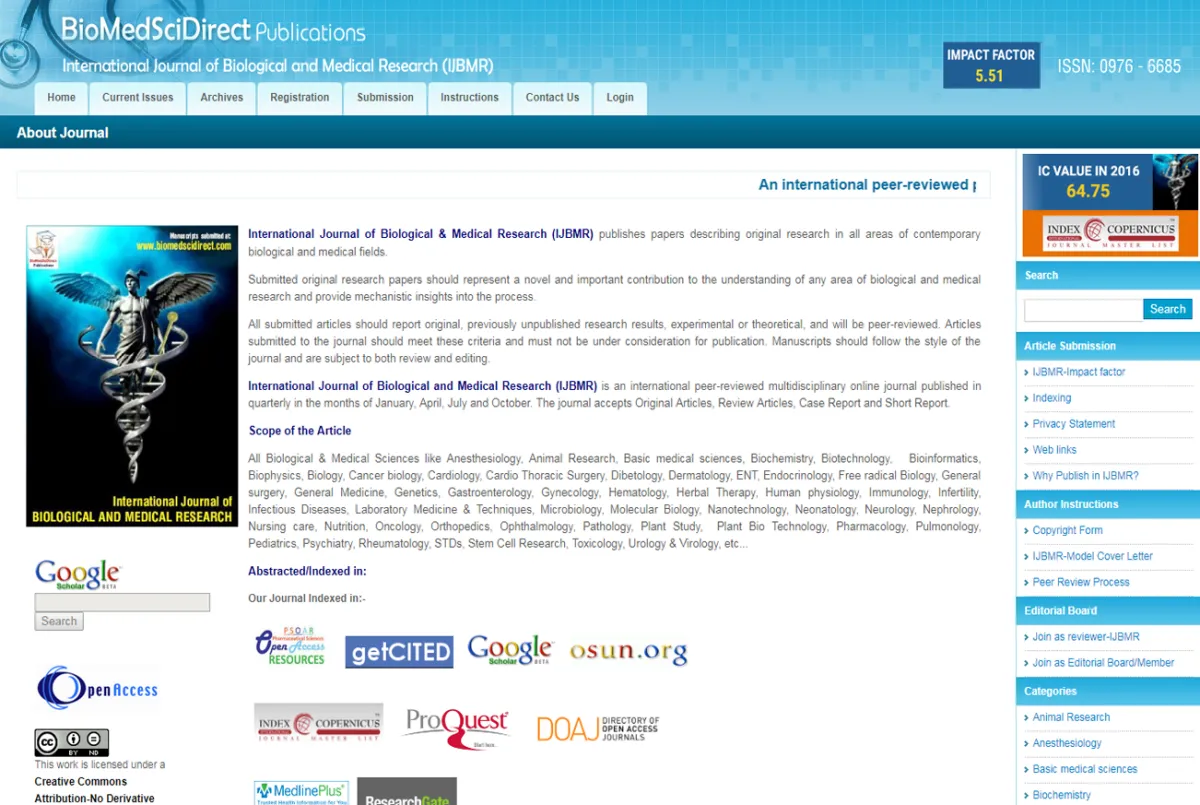
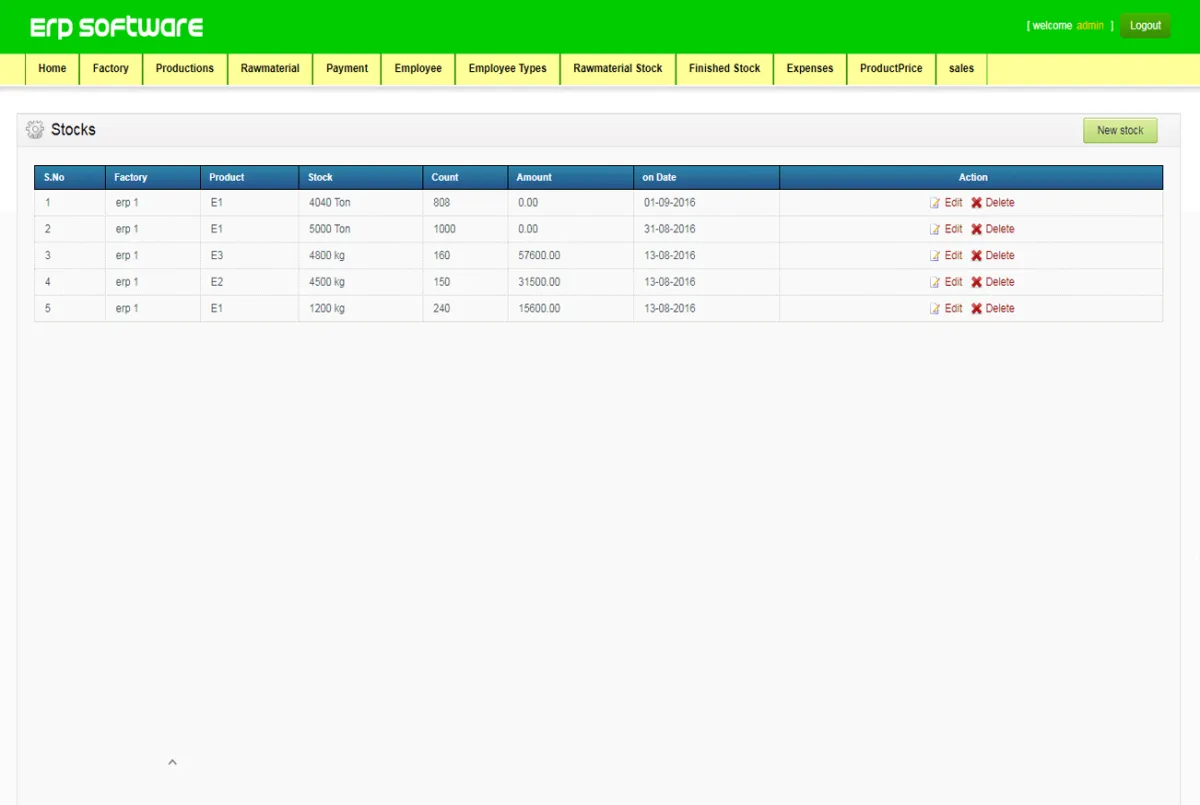

Export Engineering Website
Visit live site: vishalprecision.com Read the case study59 live client websites among the 64 projects in our portfolio, including clients in Germany, Bahrain, UAE, Kuwait, UK.
Tell us how your journals work. We recommend the right system and quote on scope after a free consultation.

