


 Read the Guide

Our product
 Journal Publishing Guide
Managed hosting for Open Journal Systems, set up for the way OJS actually works: the right server stack, secure file storage, daily backups, tested upgrades and email that reaches authors and reviewers, looked after by a team you can call.

Open Journal Systems (OJS) is free, open-source journal software developed by the Public Knowledge Project (PKP). The software is only half of a working journal. The other half is the server it runs on, which decides whether manuscripts upload, whether reviewer invitations arrive, whether the site stays secure and whether the archive survives a bad day. OJS hosting means providing that server and looking after it.
This page explains what good OJS hosting involves, what our managed hosting includes and what is optional, so you can compare providers on the same terms. We are an independent team in Coimbatore, India, working with journals, universities and publishers; we are not part of PKP. For everything else we do with OJS, see our OJS services.
In this guide:
OJS will install on many ordinary hosting accounts, and that is often where the trouble starts. A journal is not a brochure website. It stores manuscripts and review files, sends a steady stream of system emails, runs scheduled tasks and keeps a permanent archive that other researchers cite. Problems we regularly find on general-purpose hosting:
OJS is a PHP application that keeps its data in a database and its files on disk. A healthy OJS server has:
We set the stack to match your OJS version and keep it matched when you upgrade. If you plan to install OJS yourself, our OJS installation guide walks through each requirement.
A journal holds unpublished research and the personal details of authors and reviewers, and neglected OJS sites attract spam registrations and attacks. Our managed hosting covers the essentials:
No hosting makes a website impossible to attack. These measures remove the weaknesses most often exploited on unmaintained OJS installations.
We take daily backups of the database and the files directory and keep copies away from the live server. Before any upgrade or major change we take an extra backup, so the journal can be returned to its exact previous state if something goes wrong. When you compare providers, ask two questions: where are the backups kept, and when was one last restored?
PKP releases new versions of OJS regularly, and older versions eventually stop receiving fixes. An upgrade changes the database, may need a newer PHP version, and can break custom themes and plugins written for the previous release. So we never upgrade a live journal first. We copy it, upgrade the copy, test submission, review, publishing, the theme and every plugin, fix what breaks, and only then upgrade the live site with a fresh backup in place.
Minor patch releases, which mostly fix bugs and security issues, are applied as part of managed hosting. Major upgrades, especially from OJS 2.x or early 3.x versions, need more testing and are scoped separately.
OJS runs on email: submission acknowledgements, reviewer invitations, reminders, decisions and password resets. If those messages go to spam, reviews stall and authors assume the journal has ignored them. We send OJS mail through properly configured SMTP, set the sender address so messages are not treated as forged, and provide the SPF, DKIM and DMARC records your domain needs. If your institution’s IT team manages the domain, we give them the exact records to add.
Most journal traffic is readers downloading PDFs and search engines such as Google Scholar reading article pages. We size storage for your archive and its growth, configure caching sensibly and keep the server responsive when a new issue is released. For journals with a large international readership, a content delivery network (CDN) can serve static files from locations closer to readers. We add one when it helps, as an optional item.
Automated monitoring checks that the journal is reachable and alerts our team when it is not, so most problems are found before an editor reports them. Our team works from Coimbatore, India, and supports journals by phone, email and WhatsApp, Monday to Saturday, 9:30 AM to 6:30 PM IST, replying within 2 to 4 business hours. For editors in Africa, the Middle East, South and Southeast Asia and Europe, much of that window overlaps the local working day.
One OJS installation can host many journals, each with its own settings, editorial team and theme. Most universities and publishers run their portfolios this way, because there is one system to secure, back up and upgrade. We plan resources, storage and backups for the whole portfolio, not journal by journal. If you publish several titles, see our multi-journal platform page.
We migrate the OJS application, the database and the files directory, check the configuration on the new server, test the copy and then switch the domain with minimal downtime. Article addresses stay the same, so registered DOIs and Google Scholar links keep working. If the old installation runs an outdated OJS version, we usually move it first and upgrade afterwards, so only one thing changes at a time.
National indexes and funders look for different things, and your hosting and metadata should support them. Our country pages explain the local requirements: African Journals Online (AJOL), HEC HJRS in Pakistan, IASJ in Iraq, MyCite in Malaysia, SINTA and GARUDA in Indonesia, and OJS and DOI work for journals in Bangladesh, Egypt and the Philippines. Still deciding whether OJS is the right software? Read our guide to choosing a journal management system.
Your journal keeps running on its current host until the new server has been tested.
We check your OJS version, current hosting, archive size and email setup, or plan a fresh installation.
Hosting planWe set the PHP version, database, storage, SSL, email and scheduled tasks to match your OJS version.
Server readyWe migrate your journal, or install OJS fresh, and test it fully on the new server.
Tested journalWe point the domain to the new server with minimal downtime and check every function again.
Journal liveDaily backups, monitoring, security updates and support continue every month.
Managed hostingIncluded items are part of managed hosting. Optional items are added when you need them.
| Item | Details | Status |
|---|---|---|
| Server tuned for OJS | PHP version, extensions, database and limits set for your OJS version | Included |
| SSL certificate | HTTPS enforced across the journal | Included |
| Daily backups | Database and files directory, copies kept off the live server | Included |
| Monitoring | Automated uptime checks with alerts to our team | Included |
| Security updates | Server software updates and OJS patch releases | Included |
| Email setup | SMTP sending, with SPF, DKIM and DMARC records for your domain | Included |
| Scheduled tasks | Cron for reminders, statistics and background jobs | Included |
| Hosting support | Help with hosting issues, Monday to Saturday, IST business hours | Included |
| Major OJS upgrades | Tested on a copy, then applied with a fresh backup | Optional |
| Migration from another host | Files, database and domain moved and tested | Optional |
| CDN | Static files served closer to international readers | Optional |
| Support plan | Editor help, minor fixes and support hours with priority response | Optional |
| Custom theme and plugins | Design and development work | Optional |
We quote on scope after a free consultation. Domain registration and third-party services, such as Crossref membership, are arranged under their own terms.

We have built and hosted websites and software since 2007. Our journal team combines publishing know-how with 18+ years of web experience.

We have delivered 1000+ projects, including journal, university and publisher websites.

ISSN, DOI, Scopus and indexing bodies make their own decisions. We prepare you properly and never promise what they must decide.

Software, website, hosting, design, indexing support and marketing come from one team with one contact.

Call, email or WhatsApp us, Monday to Saturday, 9:30 AM to 6:30 PM IST. We answer within 2 to 4 business hours.
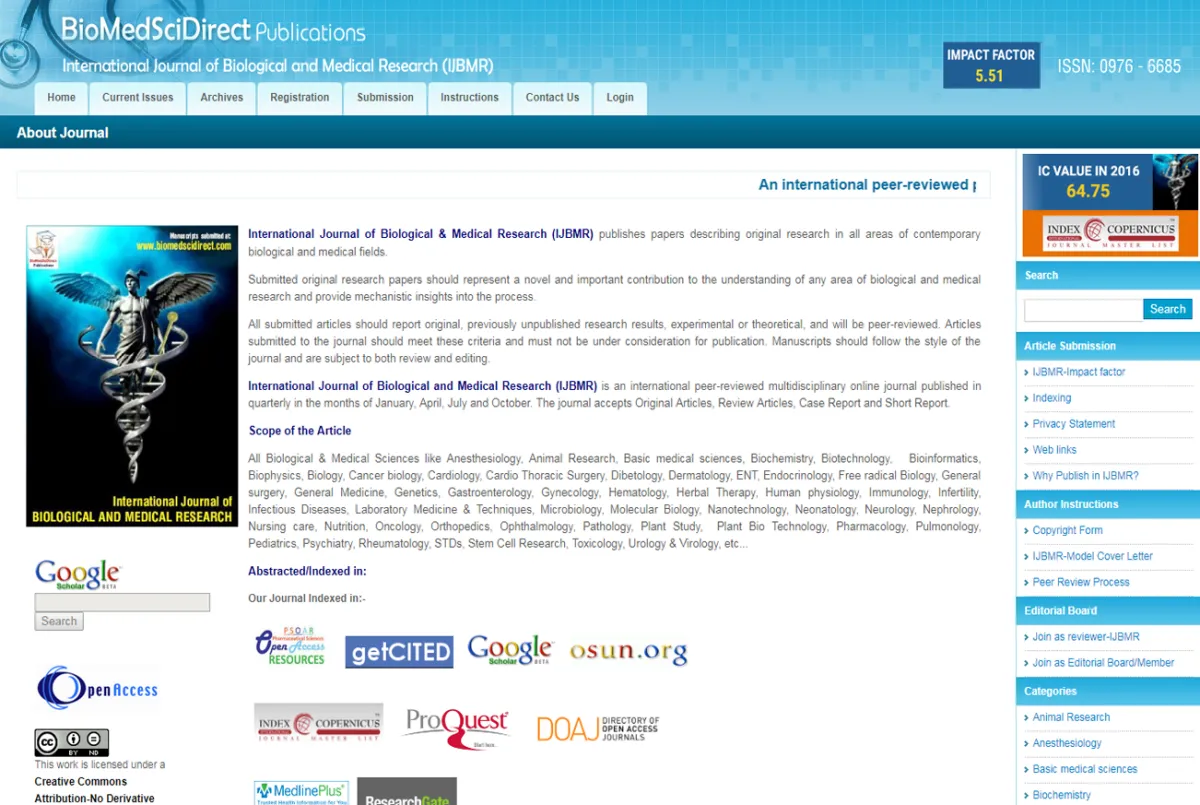
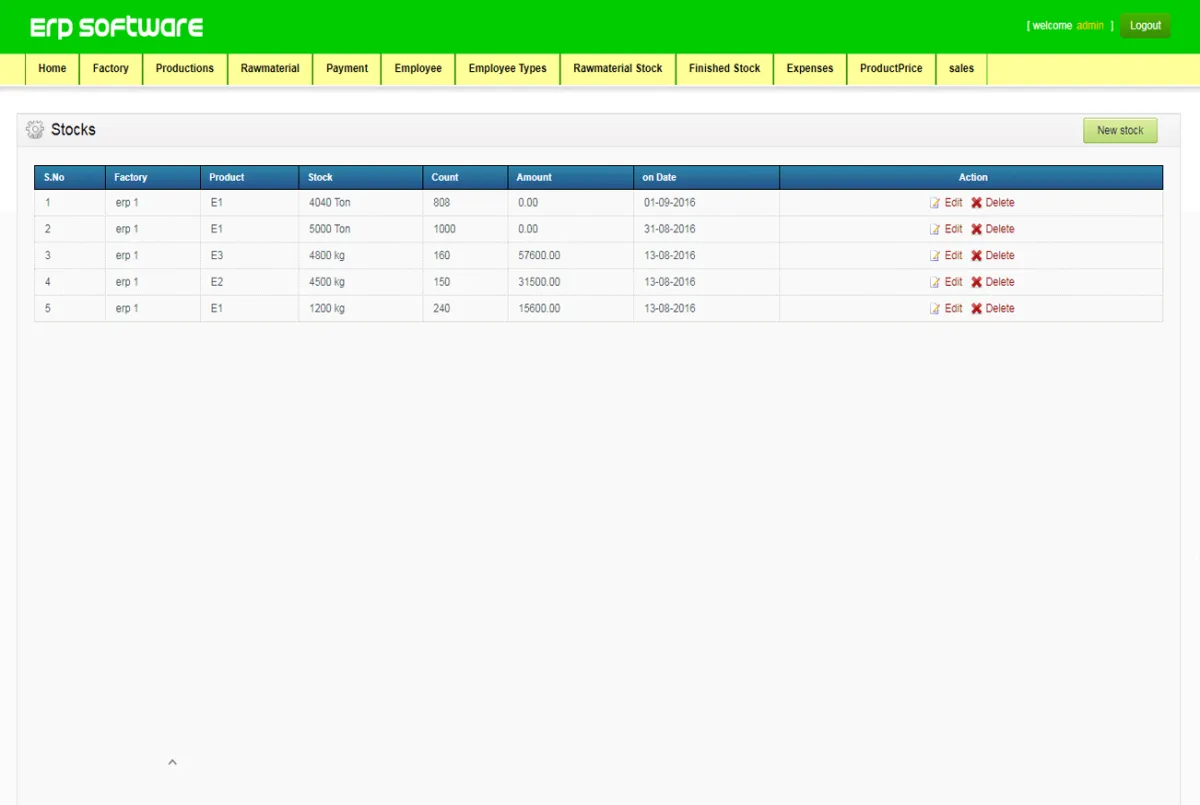
Live websites and systems our team built, which you can open and check yourself.
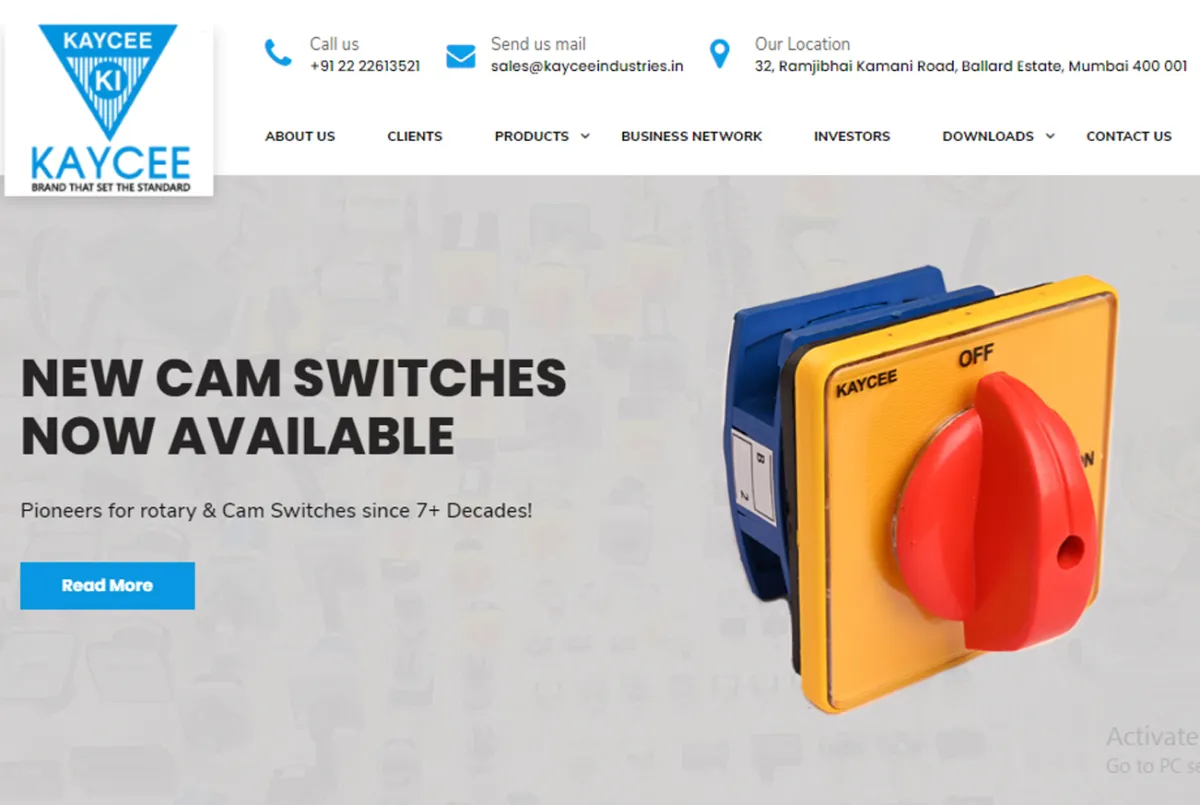
B2B Industrial Website
Visit live site: kayceeindustries.com Read the case study59 live client websites among the 64 projects in our portfolio, including clients in Germany, Bahrain, UAE, Kuwait, UK.
Tell us about your journal and current setup. We send a scope-based quote after a free consultation.

